Five Retool Alternatives for Building Internal Tools: Complete Guide 2026
Dec 22, 2025 - Reading time: 5 min
You got budget approval for an internal tool platform. The sales pitch sounded right: drag-and-drop components, quick deployment, your ops team building dashboards within days.
Three weeks in, your developers are debugging JavaScript errors in the interface. Your operations lead gave up after the second tutorial. And you're explaining to leadership why the "quick win" project is now a quarter behind.
Retool is the default choice for internal tool development. It's powerful, well-integrated, and backed by serious funding. But power means complexity. For PMs at growing fintech startups juggling compliance deadlines and limited engineering bandwidth, that complexity kills projects.
This guide covers five alternatives that prioritize usability. Platforms that let you ship internal tools, not just demo them.
What we will cover:
Why product teams are looking beyond Retool
What to look for in a Retool alternative
5 Retool alternatives ranked by simplicity
How these alternatives compare on complexity
Making the decision
Getting started
Why product teams are looking beyond Retool
Retool is more capable than simple no-code tools but requires more technical knowledge than most teams expect.
The platform assumes familiarity with JavaScript and SQL. The drag-and-drop interface handles basic layouts, but anything beyond simple forms and tables requires writing code. G2 reviews on Retool mention the learning curve 32 times, with users noting it's "somewhat complex for new users, especially those who aren't familiar with JavaScript or backend concepts."
For fintech PMs, this creates a bottleneck. Your engineering team is stretched thin building core product features. Pulling them into internal tool development defeats the purpose of adopting a low-code platform.
According to a study by Gartner, 70% of new enterprise applications will use low-code or no-code by 2025, up from less than 25% in 2020. Organizations adopt these platforms to reduce developer dependency. When a "low-code" tool still requires developers for most meaningful work, it fails that promise.
What to look for in a Retool alternative
For fintech product teams, these factors matter most:
Genuine ease of use:Can someone without a dev background build functional applications? Watch for platforms that claim "no-code" but require JavaScript for basic functionality
Security and compliance: SOC 2 compliance, granular access controls, audit logging. Non-negotiable for fintech!
Time to first value: How long from signup to a working tool? Complex platforms require weeks of learning before productive work starts
Pricing at scale: Per-seat pricing adds up fast. Know the full cost before committing
Integration depth: Your tools need to connect with databases, APIs, and existing SaaS products
5 Retool alternatives ranked by simplicity
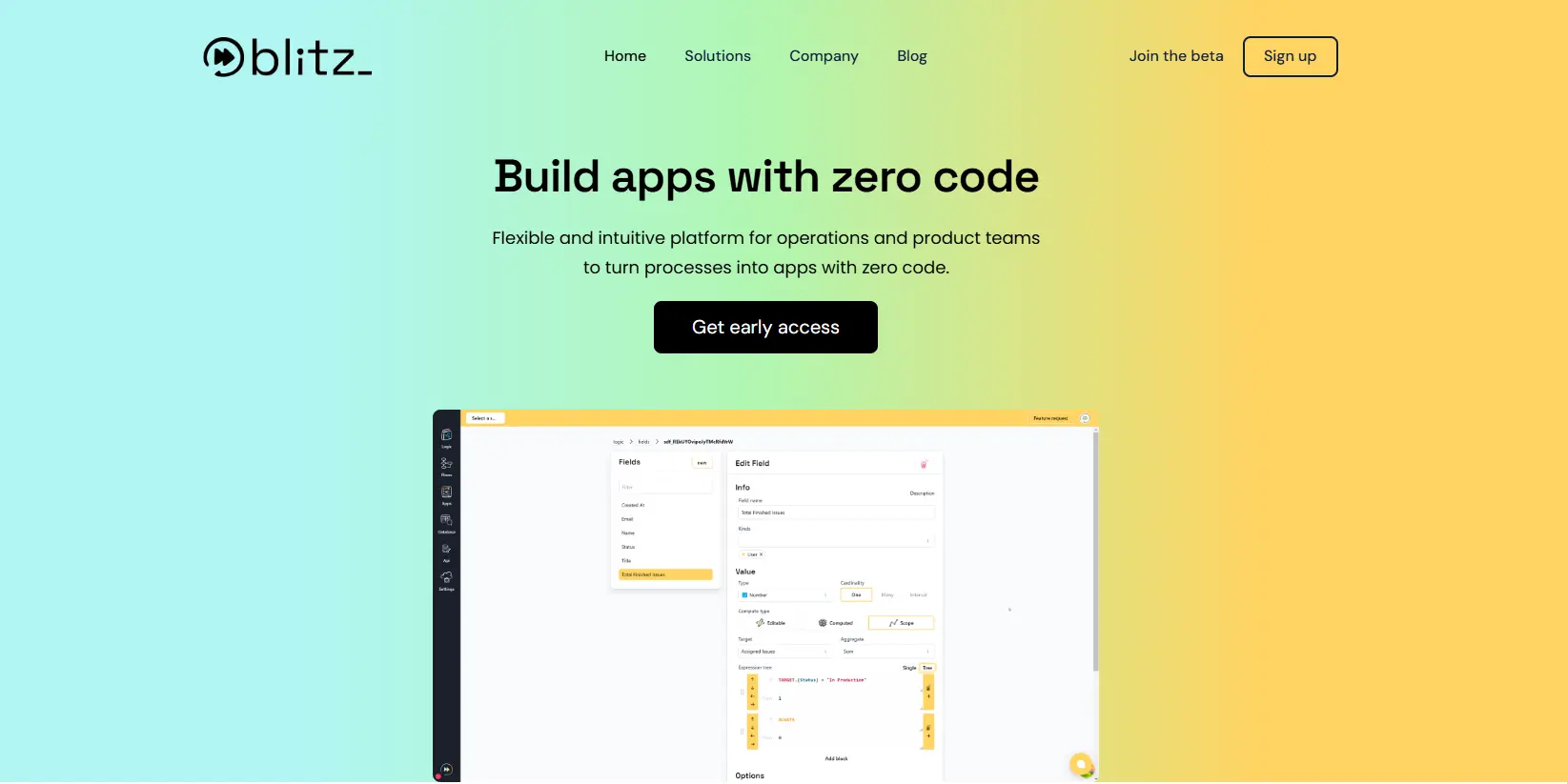
Blitz
Blitz was built for people who know exactly what they need to automate but don't want to wait six months for engineering to get around to it. Non-technical founders, ops leads, and PMs use it to bypass the dev bottleneck entirely.
The platform bundles a database, interface builder, and workflow engine into one place. No stitching together three different tools before you can start working.
Key differentiators
Blitz handles complex business logic visually: Approval chains, conditional routing, multi-step workflows ; you build these by dragging and dropping, not writing JavaScript. As a result, the person who understands the process can build it directly.
Security isn't an afterthought. Role-based permissions, audit trails, and data controls come standard. For fintechs and marketplaces dealing with sensitive customer data, this matters.
The integrated database means you're not context-switching between a data layer and your app. Define your data model, build the interface, wire up the automation ; all in one session.
Ideal for
Non-technical founders at early-stage startups who can't afford to hire developers for every internal process.wor
Operations leads at fintechs and marketplaces who need to build a secure KYC portal: automate onboarding, compliance workflows, or transaction monitoring
PMs at SMBs tired of waiting in the engineering backlog for tools that should take days, not quarters
Pricing
Blitz is currently in beta. Early access available through the website with pricing shared during onboarding.
Template library growing but not as extensive as older tools
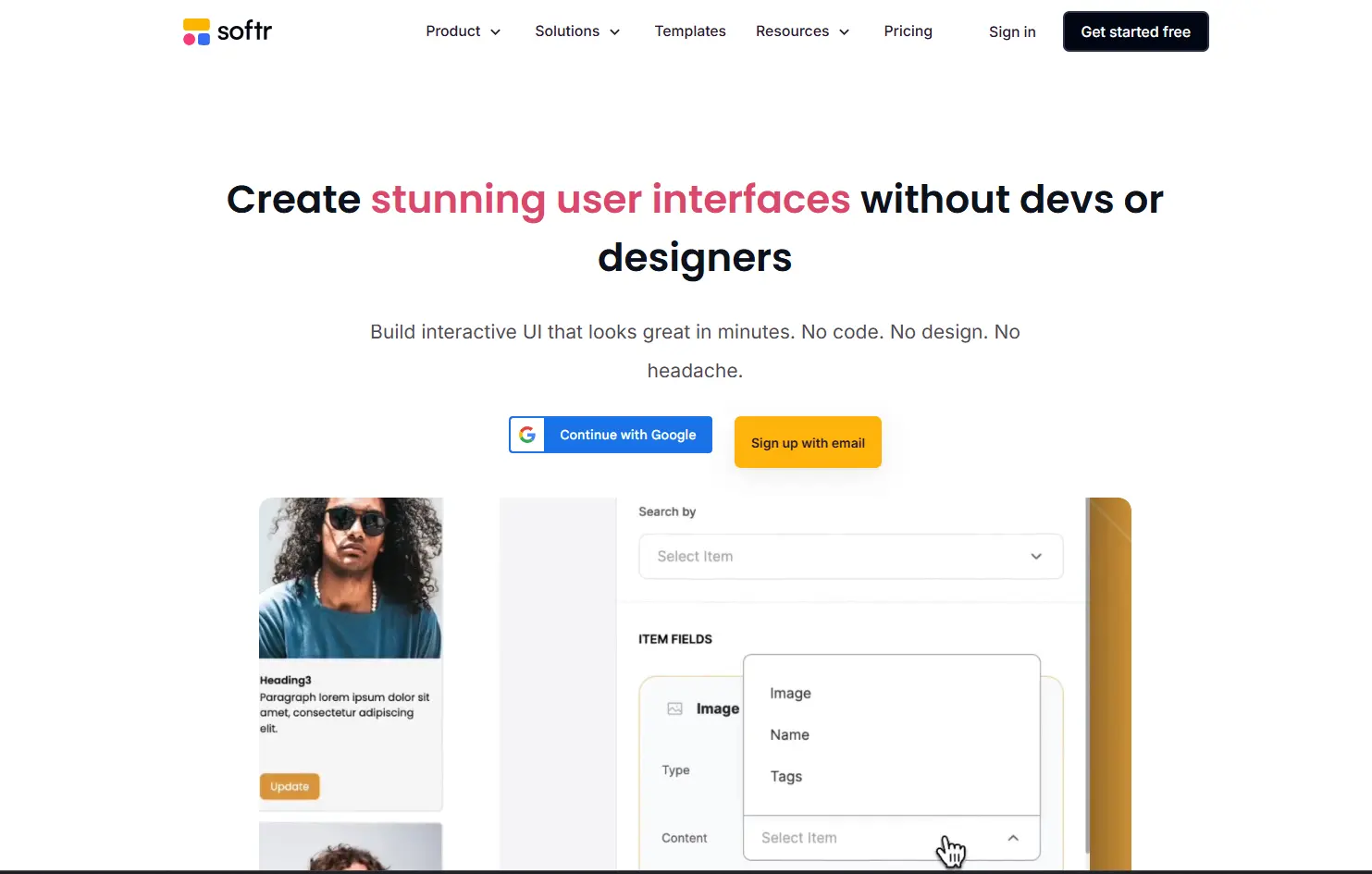
Softr
Most internal tools are variations of the same patterns: databases with forms, tables, and basic access control. Softr leans into this, by offering pre-built blocks you assemble into working applications.
The platform connects directly to Airtable and Google Sheets. If you're already managing operations data in spreadsheets (most teams are), the barrier to entry is very low.
Key differentiators
Softr achieves simplicity through constraints
Opinionated building blocks that cover 80% of internal tool use cases. Client portals, dashboards, inventory trackers, and simple CRMs can be assembled in hours
User management and permissions work without configuration. Add team members, assign roles, restrict access, all through a visual interface.
Ideal for
Non-technical teams needing client portals, internal databases, or operational dashboards. Works well when existing data lives in Airtable or Google Sheets and you need a proper interface on top of it.
Limited to Airtable/Sheets/Softr database backends
Less flexible for complex requirements
Some components gated on higher-tier plans
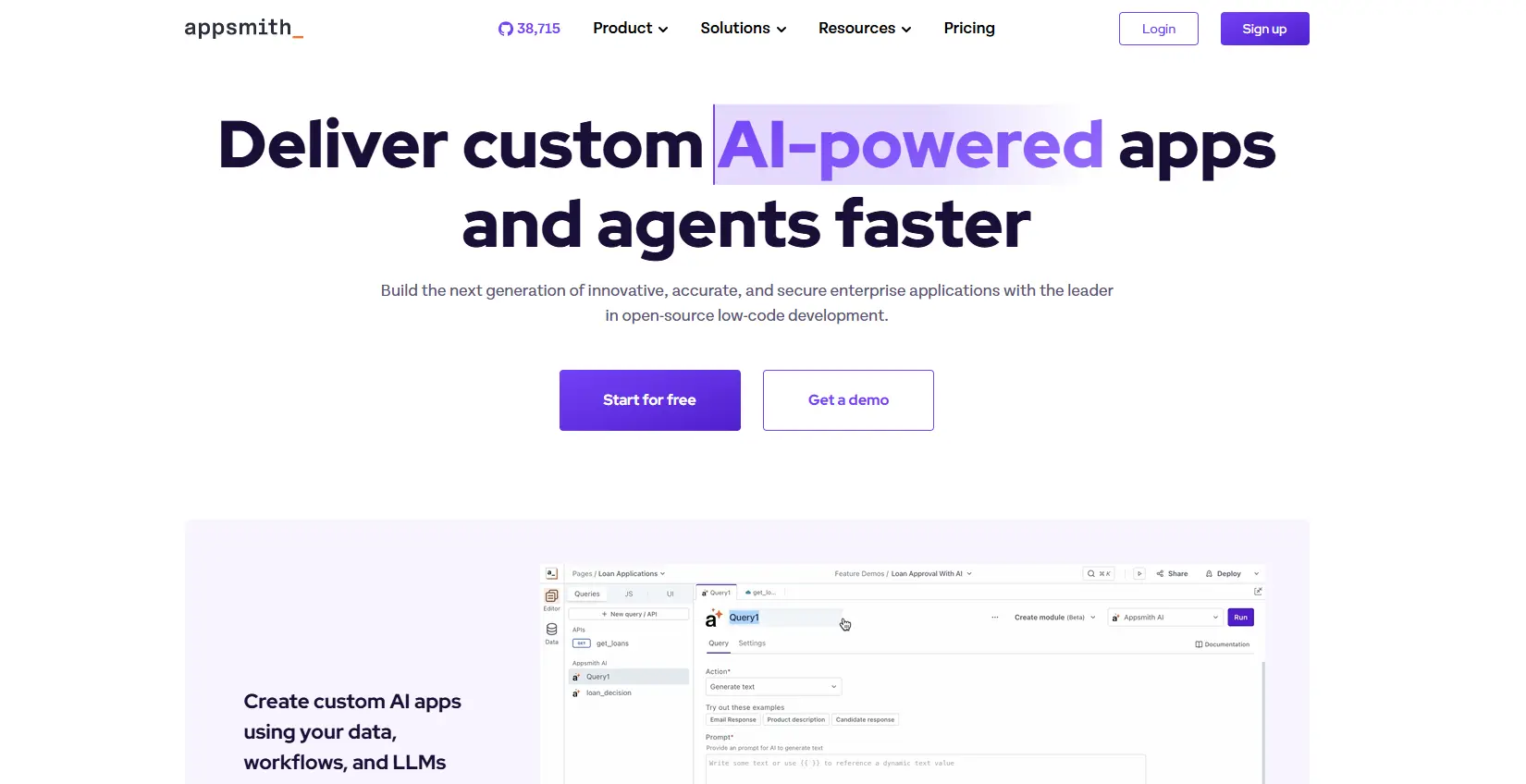
Appsmith
Appsmith sits between Retool's complexity and pure no-code simplicity. It's open source, so your security team can audit the codebase.
Drag-and-drop interface with the option to add JavaScript for complex logic. The learning curve is more gradual than Retool.
Key differentiators
Open source means control: Audit the codebase, Self-host without vendor lock-in. No surprises!
Git-native development with GitHub, GitLab, and Bitbucket. Teams with established workflows get proper version control without workarounds.
Ideal for
Technical teams wanting low-code speed with the option to drop into code when needed. Attractive for organizations with security requirements favoring open-source or self-hosting.
Pricing
Free plan: $0 with unlimited users
Business plan: $40/month (usage-based at $0.40/user/hour, capped at $20/user/month)
Enterprise security features on lower tiers than Retool
Cons
JavaScript knowledge needed for complex logic
Client-side only
Learning curve exists, though gentler than Retool
UI builder occasionally buggy
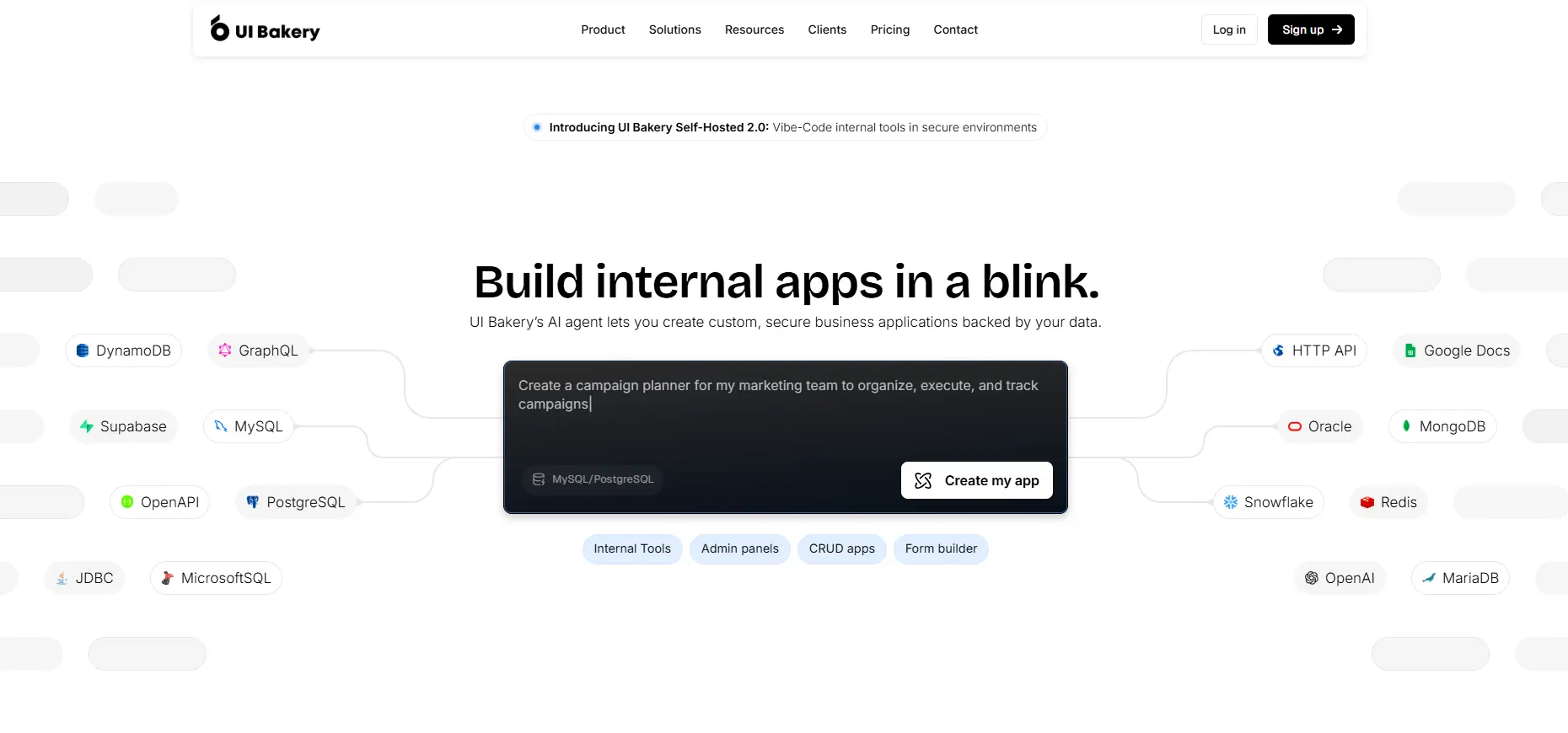
UI Bakery
UI Bakery targets a specific pain point: enterprise features at non-enterprise prices. SSO and advanced role management at price points that make sense for growing startups.
The drag-and-drop builder creates multi-step backend APIs that execute server-side: better performance than platforms running everything in the browser.
Key differentiators
JavaScript and Python support for backend logic. For teams with Python-heavy data pipelines, this simplifies development
Workflow automation handles scheduled jobs and webhooks natively. Build a compliance report that runs every Monday, or trigger a Slack notification when transactions exceed risk thresholds. No external tools needed!
Ideal for
Teams needing enterprise features (SSO, advanced permissions, audit logs) without enterprise pricing
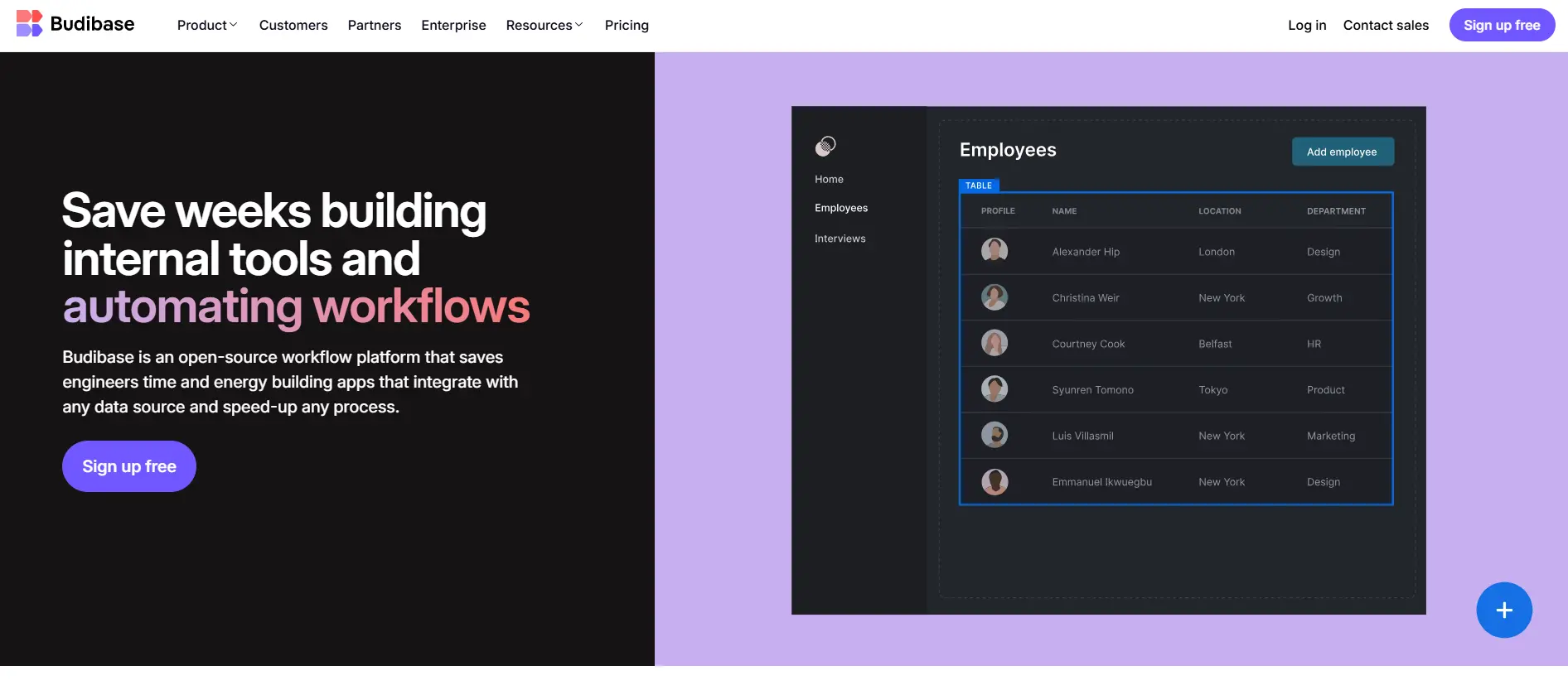
Open-source low-code, positioned against Retool and Appsmith. Includes a built-in database (CouchDB), removing one common hurdle for teams getting started.
The interface leans more toward true low-code. Non-technical users can build working applications, though complex logic still benefits from coding knowledge.
Key differentiators
The built-in database is useful for quick starts. Skip database provisioning, connection setup, and credential management. Begin building immediately. For proof-of-concept tools, this removes real friction
Recent AI features generate CRON expressions and connect LLMs to workflows. For teams exploring AI-assisted operations, it's a foundation without separate infrastructure
Ideal for
Teams wanting open-source benefits with less technical complexity than Appsmith
Good for internal tools that don't need existing database integrations initially
Pricing
Free: Up to 5 users (cloud) or 20 users (self-hosted)
More accessible than Appsmith for non-technical users
AI workflow features
SSO on free plan
Cons
Fewer templates
Canvas slow with complex apps
No git integration
Air-gapped deployment only on enterprise
How these alternatives compare on complexity
Here's how these five platforms stack up on technical skill required:
Least Technical Skill Required:
Blitz: Built for non-technical founders and ops teams. Security included!
Softr: Anyone comfortable with spreadsheets can use it
Budibase: Low-code approach accessible to non-developers
UI Bakery: More accessible than Retool but benefits from technical knowledge
Appsmith: Easier than Retool but some JavaScript knowledge helps
Blitz and Softr can be handed to ops leads or non-technical founders. Appsmith and UI Bakery probably still need engineering for complex work.
Making the decision
Choose Blitz if you're a non-technical founder or ops/PM who needs to automate and scale without waiting for developers. All-in-one platform with security built in.
Choose Softr if your data already lives in Airtable or Google Sheets and you need a presentable interface fast.
Choose Appsmith if open source matters for security audits or self-hosting, and you have developers for JavaScript when needed.
Choose UI Bakery if cost at scale is your primary concern and you need enterprise features without enterprise pricing.
Choose Budibase if you want open source with a gentler learning curve than Appsmith.
Getting started
Start with a realistic pilot project: a simple dashboard, an approval workflow, a customer lookup tool. Build the same pilot on two or three platforms. Time how long it takes. Note when you need help.
You have options. Choose the tool that meets you where you are.
Key takeaways
Retool's power creates bottlenecks for non-technical teams
True ease of use matters more than feature lists
Open source (Appsmith, Budibase) provides transparency for security-conscious teams
Pricing models vary: understand total cost before committing
The best platform is the one your team will actually use
Non-technical founder building internal tools? Try Blitz to automate and scale without the dev bottleneck!
Start your project with Blitz
Define your business logic, integrate your tools and workflows, build apps and bring value to your clients in no time—with zero code.




.png)

